
The Complete Guide to Keycaps: From Materials to Profiles, Everything You Need to Know
The Complete Guide to Keycaps: From Materials to Profiles, Everything You Need to Know
For mechanical keyboard enthusiasts, keycaps are far more than just decorations — they're the part your fingers touch every single day. They determine typing feel, sound, durability, and the overall personality of your keyboard. Whether you're a beginner just getting started or a seasoned player considering a new set, understanding keycap materials, profiles, and manufacturing processes will help you make better decisions.
This guide breaks down the world of keycaps into three core dimensions: Material, Profile, and Printing Process.
1. Material: The Foundation of Feel and Durability
Keycap material directly affects tactile feel, sound, and lifespan. The two most common materials on the market are ABS and PBT.
ABS (Acrylonitrile Butadiene Styrene)
ABS is a lower-cost traditional keycap material with a smooth, fine feel and vibrant color reproduction. Many visually striking keycaps are made from ABS.
Drawbacks: Over time, the surface becomes shiny and slippery — a phenomenon known as "keycap shine". For heavy users, this can appear within about six months. ABS is also prone to yellowing from UV exposure.
Best for: Users on a budget, those who prioritize vivid colors, or those who don't mind replacing keycaps periodically.
PBT (Polybutylene Terephthalate)
PBT is considered a premium keycap material. It feels solid with a matte, textured surface. Its biggest advantage is excellent wear and oil resistance — it doesn't develop shine even after extended use.
PBT keycaps are typically thicker and produce a deeper, more muted sound that many enthusiasts prefer.
Drawbacks: Higher cost and less vibrant color options compared to ABS.
Best for: Users who type over 4 hours a day, those with sweaty hands, or anyone who wants a set to last for years.
Beginner tip: If you can only choose one, go with PBT. It costs a bit more upfront, but the durability and feel make it a better long-term investment.
2. Profile: The Key to Typing Comfort
Keycap profile affects finger travel distance and typing angle. Different profiles not only feel different but also determine whether you'll need a wrist rest.
Cherry Profile
The standard profile developed by the German company Cherry — the "gold standard" for mechanical keyboard keycaps. Features an R1-R4 stepped design where each row has a different height, following the natural movement of your fingers.
Characteristics: Medium height, excellent ergonomics, reduced fatigue during long typing sessions.
Best for: Daily typing, office work, and gaming — the top choice for beginners.
OEM Profile
OEM stands for "Original Equipment Manufacturer" — keycaps not produced by Cherry themselves. Similar in appearance and curvature to Cherry profile, but 1-2mm taller.
Characteristics: The most common keycap profile in the market, balanced feel, excellent compatibility.
Best for: Most users, especially beginners new to mechanical keyboards.
MDA Profile
A spherical keycap profile that sits between Cherry and SA. Slightly taller than Cherry with a larger contact area. Features a spherical concave top that conforms to your fingertips.
Characteristics: Slightly taller than Cherry, larger contact area, comfort varies by personal preference.
Best for: Users who like spherical keycaps but don't want them too tall, those seeking comfortable feel.
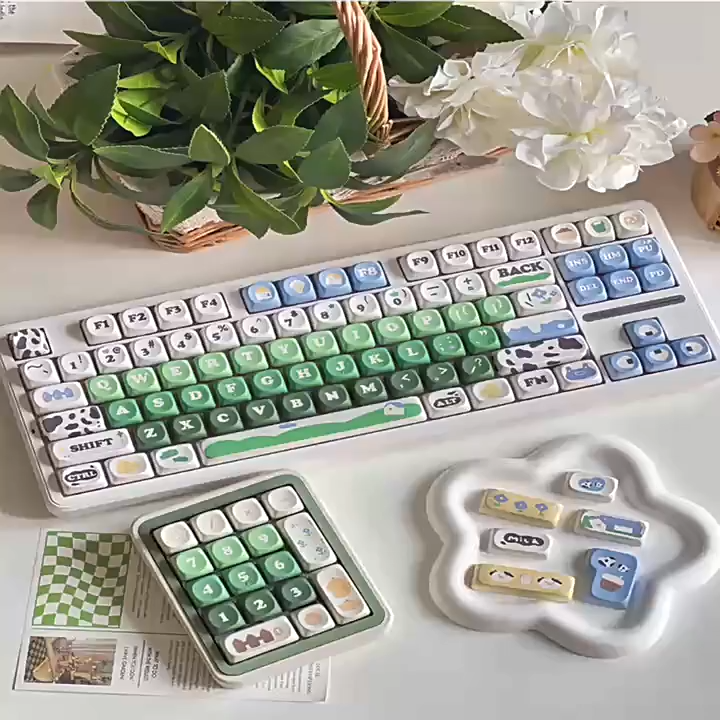
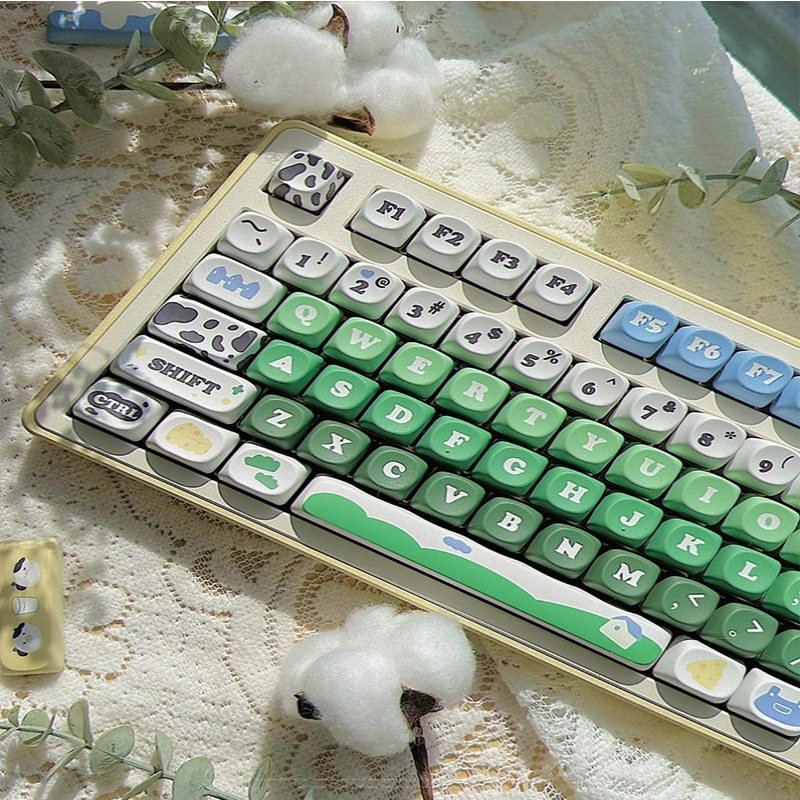
MOA Profile
A shorter spherical keycap with a gentle curve that embraces your fingertips. Much shorter than SA, roughly similar to or slightly shorter than Cherry.
Characteristics: Cute, retro appearance with comfortable typing feel — great for users who don't like tall keycaps.
Best for: Those seeking unique aesthetics, spherical keycap lovers who prefer lower profiles.
XDA Profile
A "flat" keycap profile designed by a Chinese enthusiast in 2016. All rows have the same height with no stepped difference.
Characteristics: High visual appeal, minimalist appearance, but prone to mistypes.
Best for: Aesthetics-focused users, minimalists, those willing to adapt to a flat profile.
SA Profile
Tall spherical keycaps, nearly twice the height of Cherry profile. Rounded shape with deep concave tops.
Characteristics: Extremely high visual appeal, strong retro vibe, but may cause wrist fatigue without a wrist rest.
Best for: Collectors, aesthetics-focused users, those willing to use a wrist rest.
3. Printing Process: How Legends Are Made
The printing process determines the durability and visual quality of keycap legends. The mainstream processes include:
Dye-Sublimation (Dye-Sub)
Uses high heat to vaporize dye and infuse it into the PBT keycap material. The legend becomes one with the keycap and resists wear.
Pros: Fine, detailed legends; can print complex patterns; offers great creative freedom.
Cons: Color limitations; lighter legends on dark keycaps are difficult to achieve.
Note: ABS cannot withstand the high temperatures required for dye-sublimation, so dye-sub keycaps are almost always PBT.
Double-Shot (Two-Shot Molding)
Two different colored plastics are fused together to form the legend. Even if you cut the keycap in half vertically, the legend remains visible inside.
Pros: Legends never wear off, high color contrast, excellent backlight compatibility.
Cons: High cost, limited color options (typically 2-3 colors).
Best for: Users seeking ultimate durability, those who need RGB shine-through.
Top-Printed / Side-Printed / Blank
These refer to the position of the legend, not the process itself:
- Top-Printed: Legends on the top surface — the most common type, clear and intuitive.
- Side-Printed: Legends on the front side (facing the user) — keeps the top surface clean and reduces finger wear.
- Blank: No legends at all — minimalist style, best for touch typists.
4. Custom Keycap Trends
Custom keycaps are moving from niche hobby to mainstream.
Current trends include:
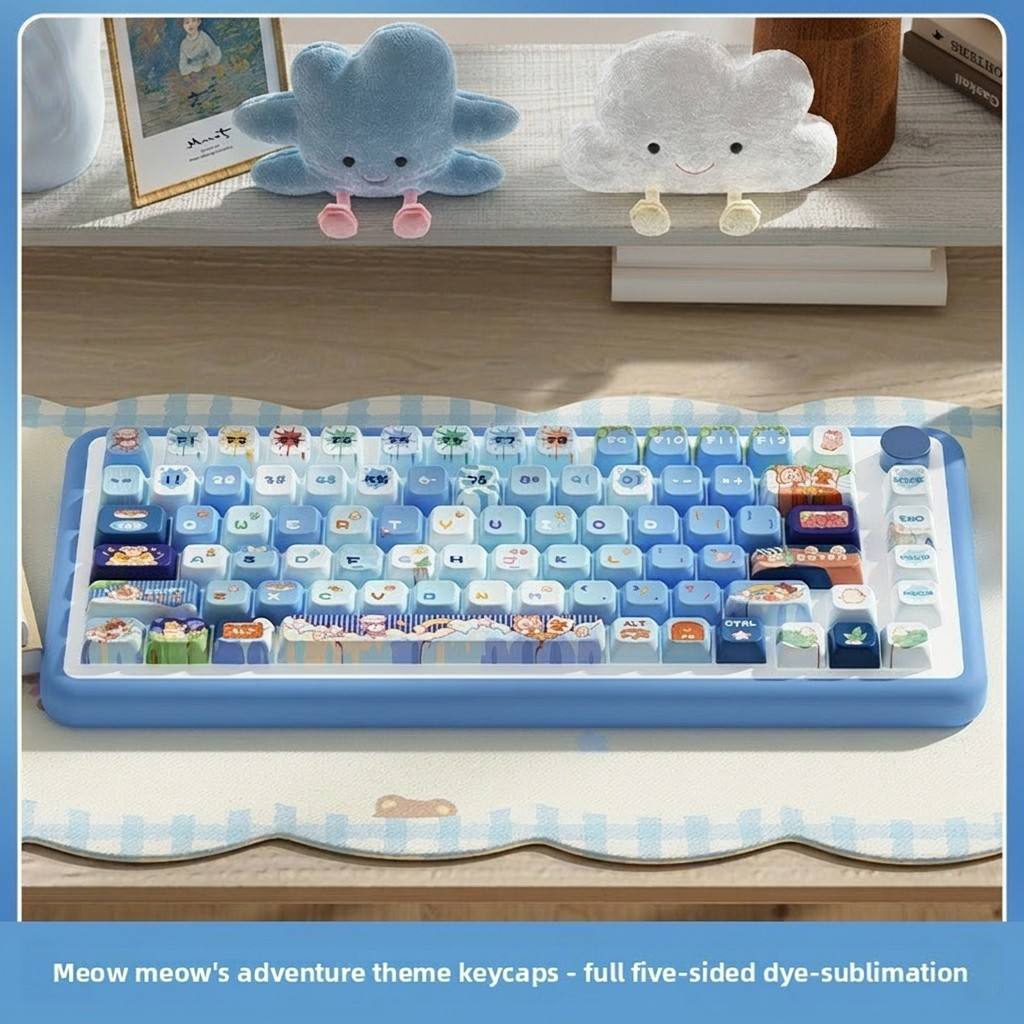
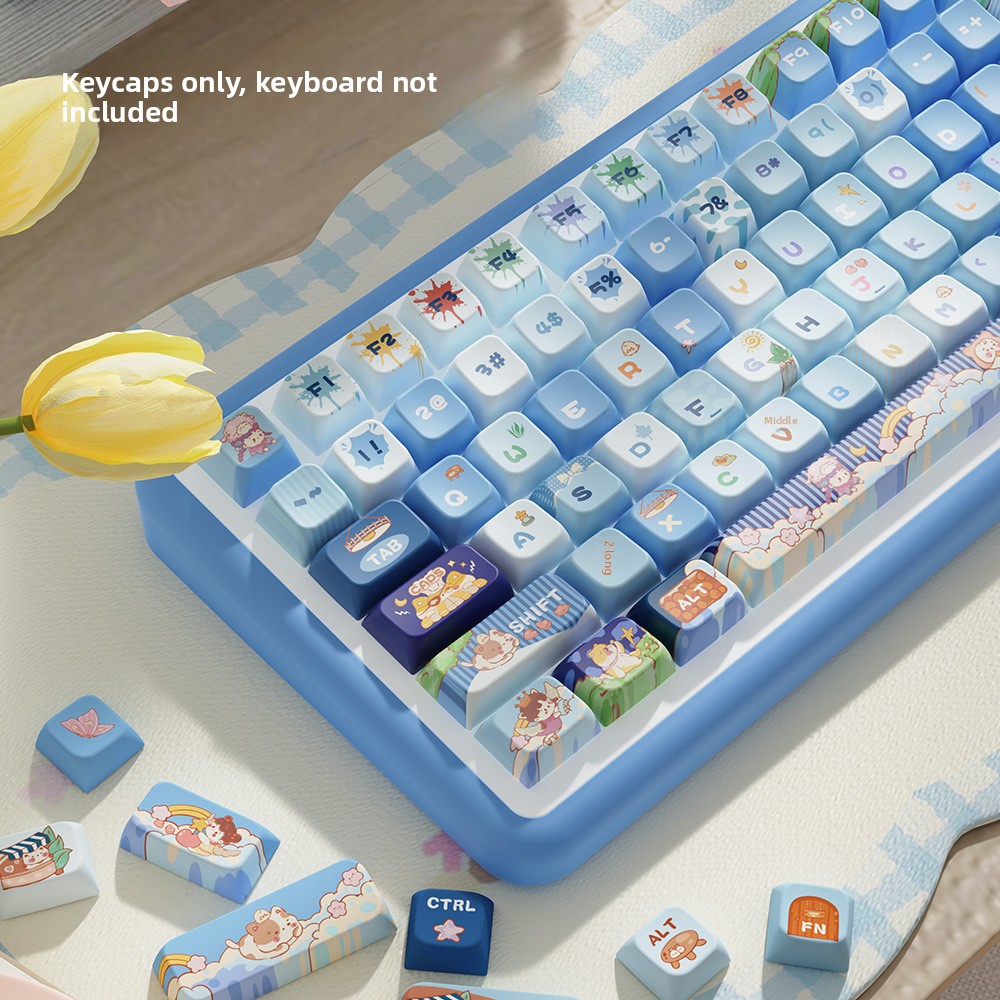
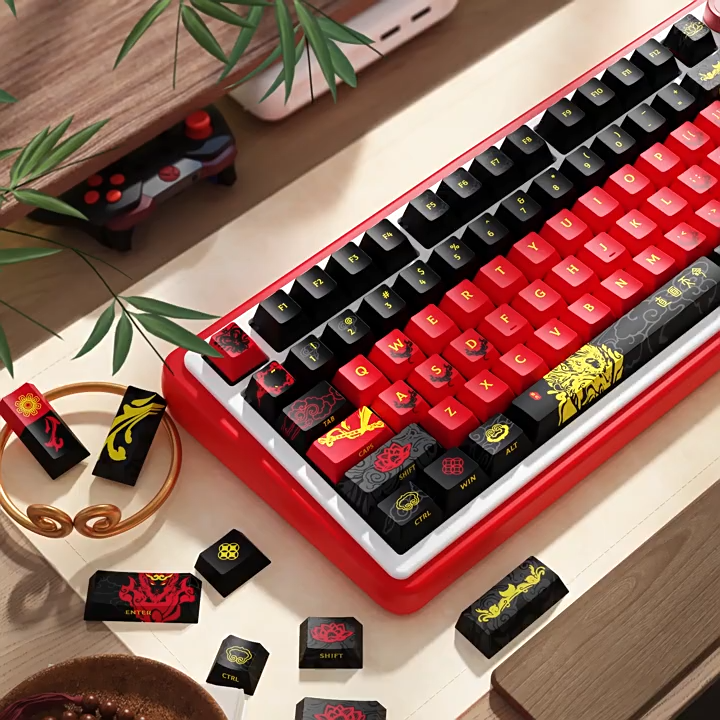
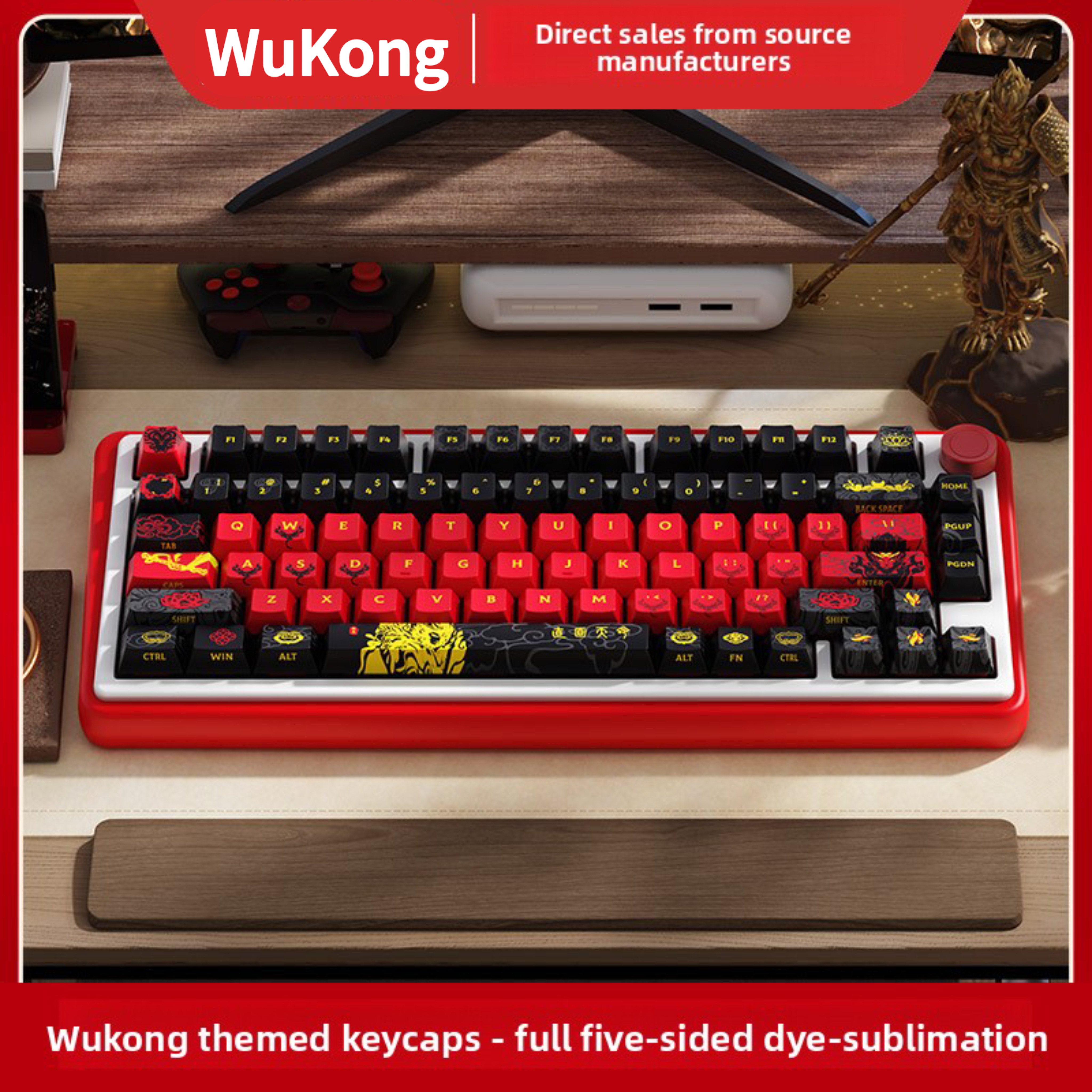
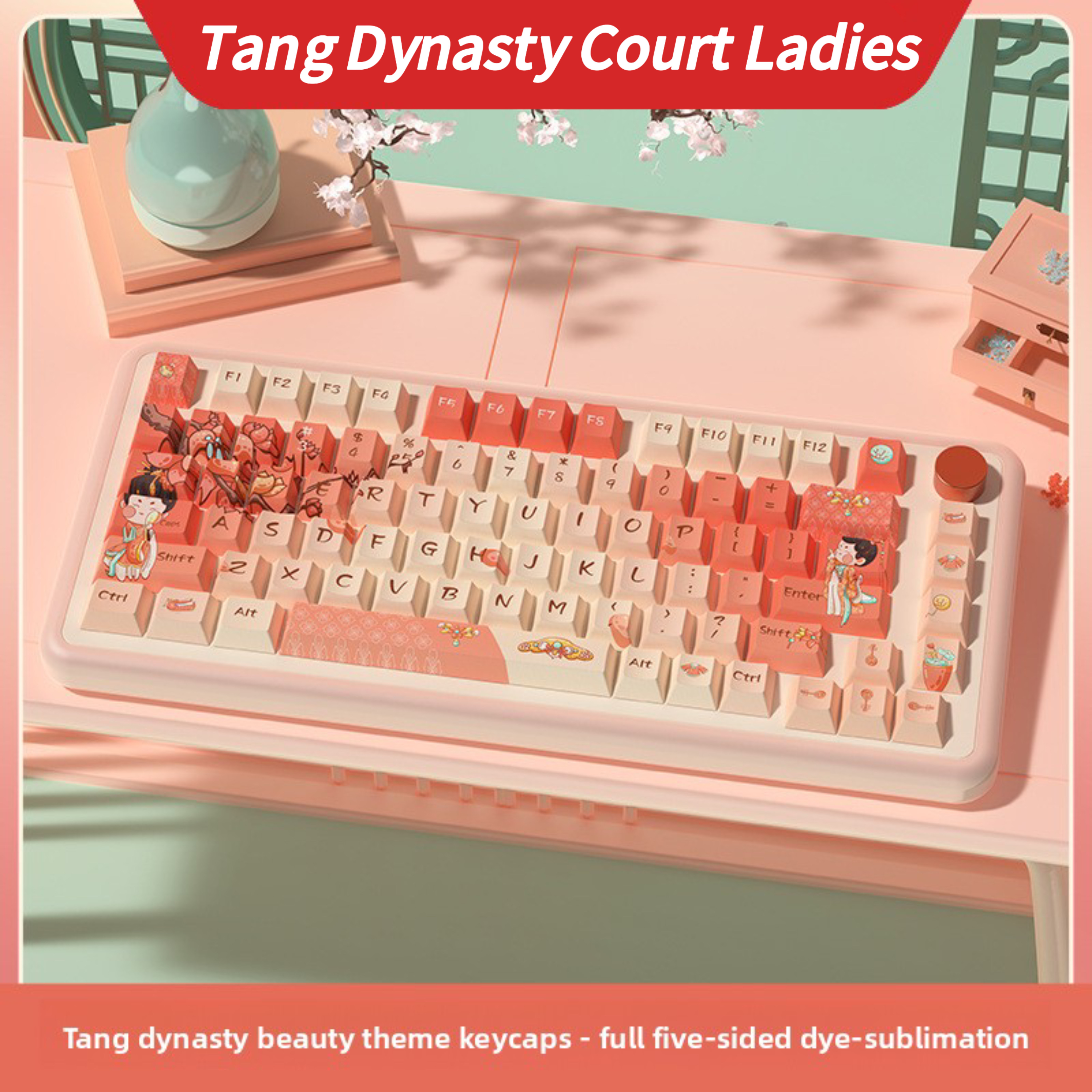
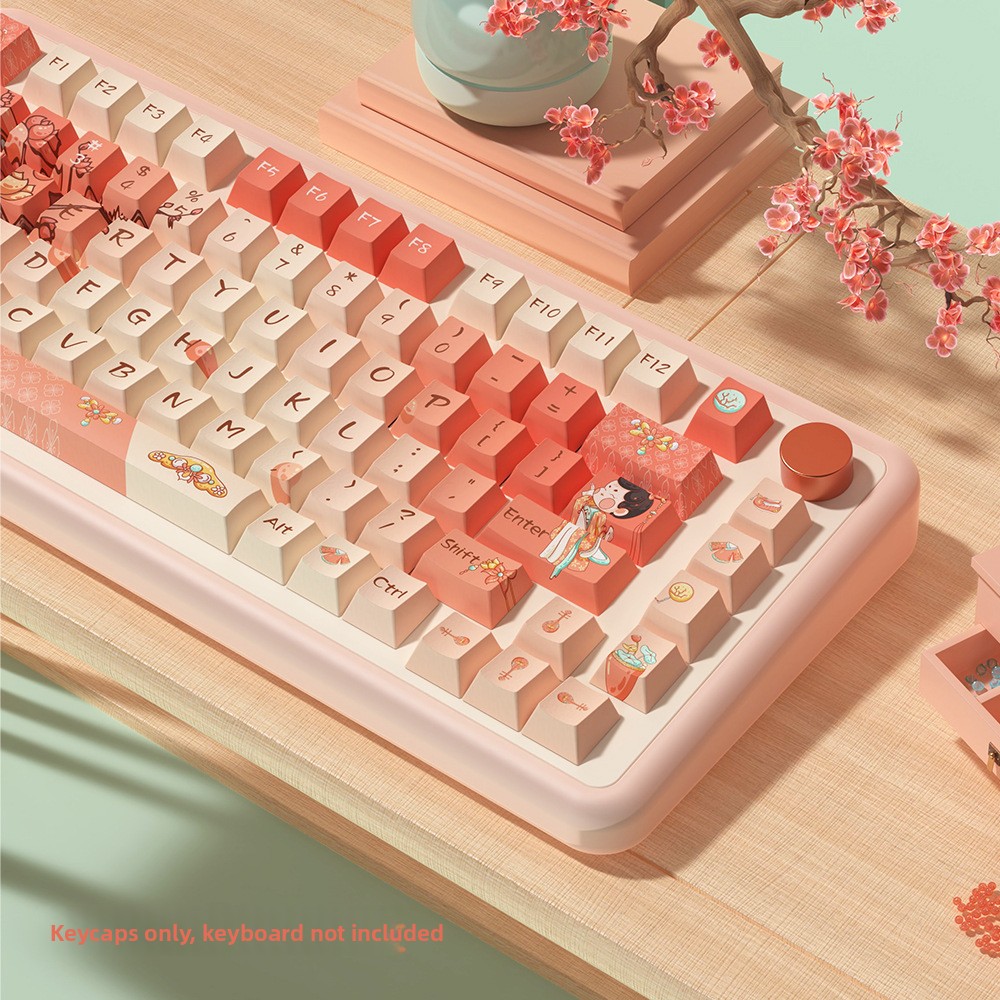
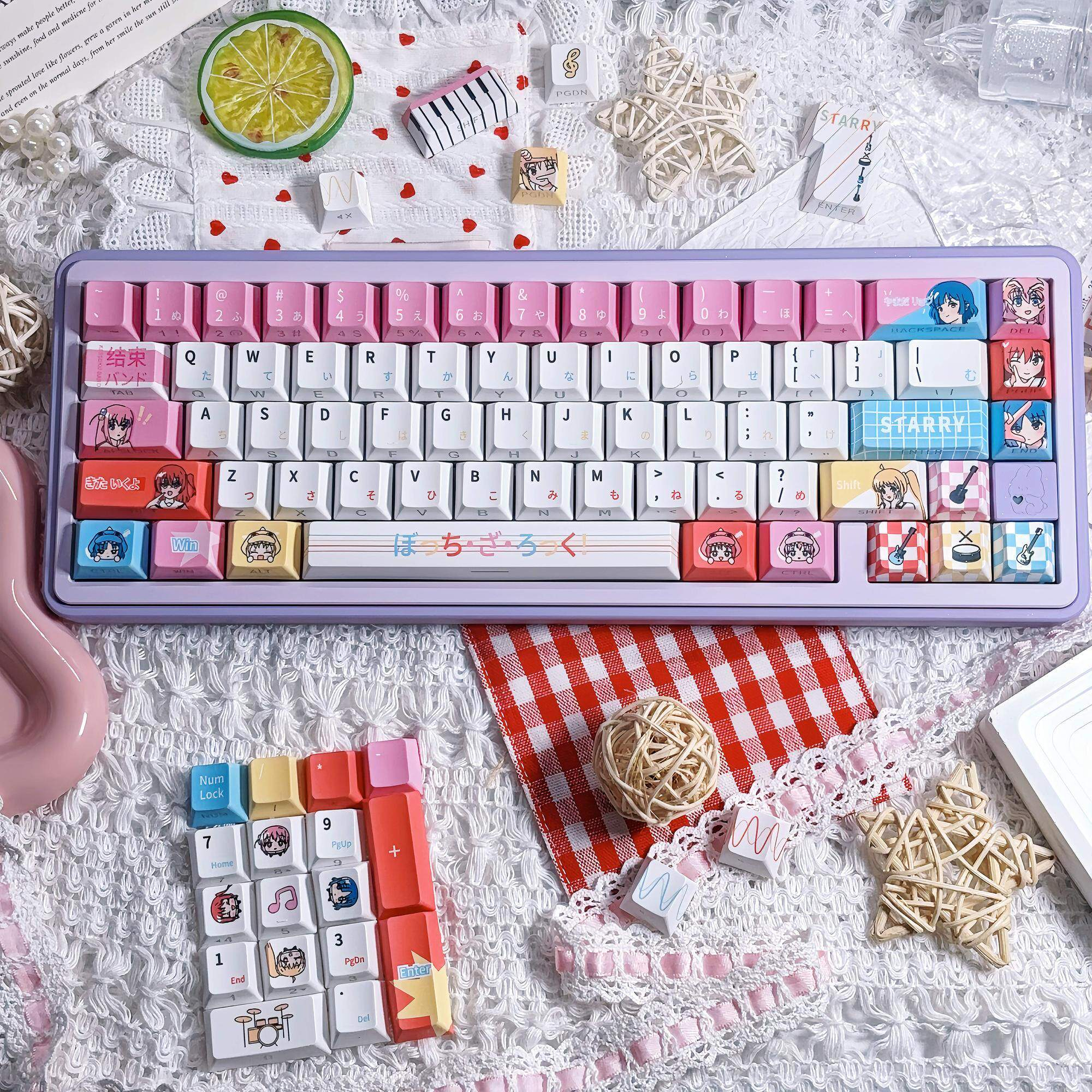
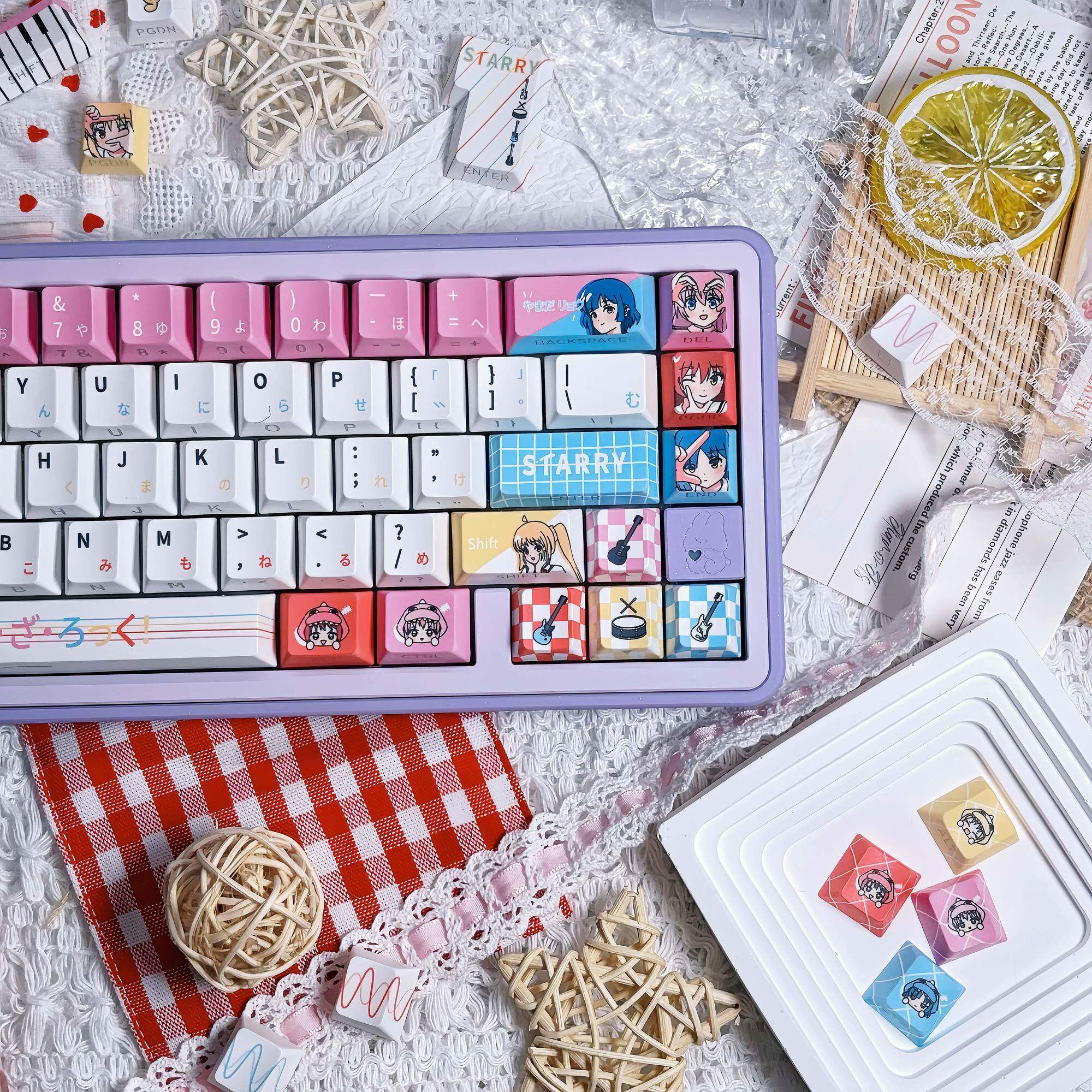
- Themed Designs: From anime and gaming to Chinese cultural themes, themed keycaps are in high demand. Limited edition sets using 5-side dye-sublimation can sell for up to 8 times the price of regular products.
- New Materials: Ceramic keycaps and other novel materials are gaining attention.
- Personal Expression: Swapping keycaps has become the simplest and most direct way to showcase personal style.
5. Quick Buying Guide
Daily Typing / Office: PBT + Cherry/OEM + Dye-Sublimation
Gaming: PBT + Cherry/OEM + Double-Shot
Aesthetics First: PBT/ABS + SA/XDA/MOA + Dye-Sub/Double-Shot
Long-Term Durability: PBT + Cherry/OEM + Double-Shot
RGB Backlight: ABS/PBT + Cherry/OEM + Double-Shot (Shine-Through)
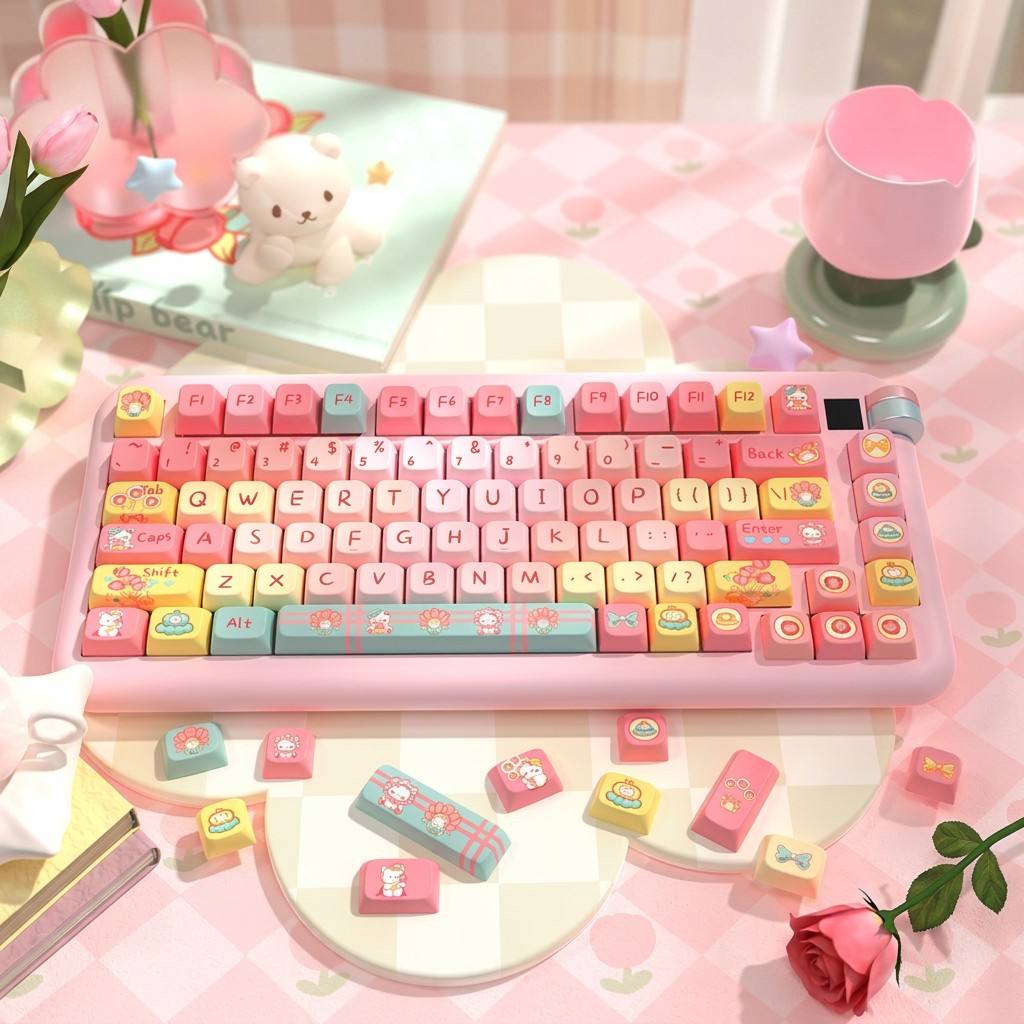
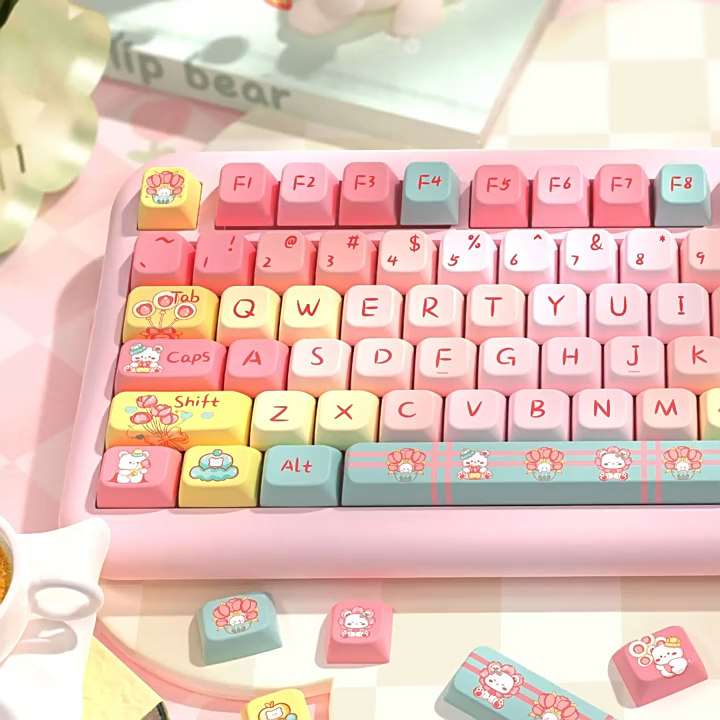
Cute / Unique Style: PBT + MOA/MDA + Dye-Sublimation
Conclusion
Keycaps may be small, but they hold a world of knowledge. From PBT's wear resistance to Cherry profile's ergonomics, from dye-sublimation's intricate patterns to double-shot's lasting legends — every choice corresponds to different needs and preferences.
The key is to know what you need first. Are you after long-term durability? Visual appeal? Daily typing? Gaming? Once you clarify your priorities, choosing keycaps becomes much easier.
After all, it's these tiny keycaps that accompany you through thousands of keystrokes every day. Choose a set that suits you, and make every keystroke a pleasure.